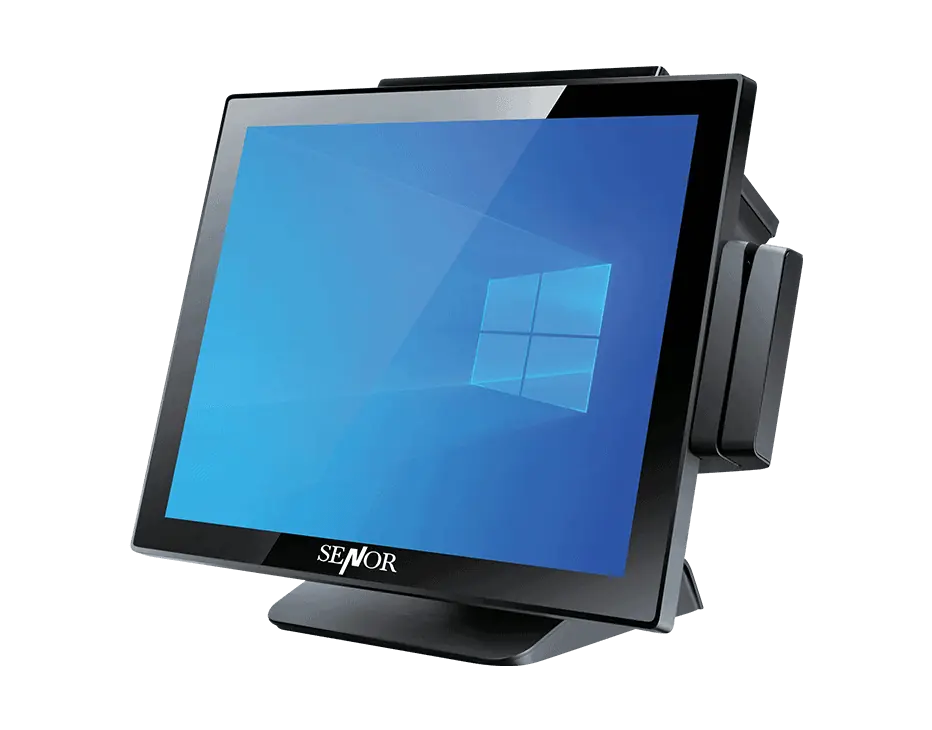
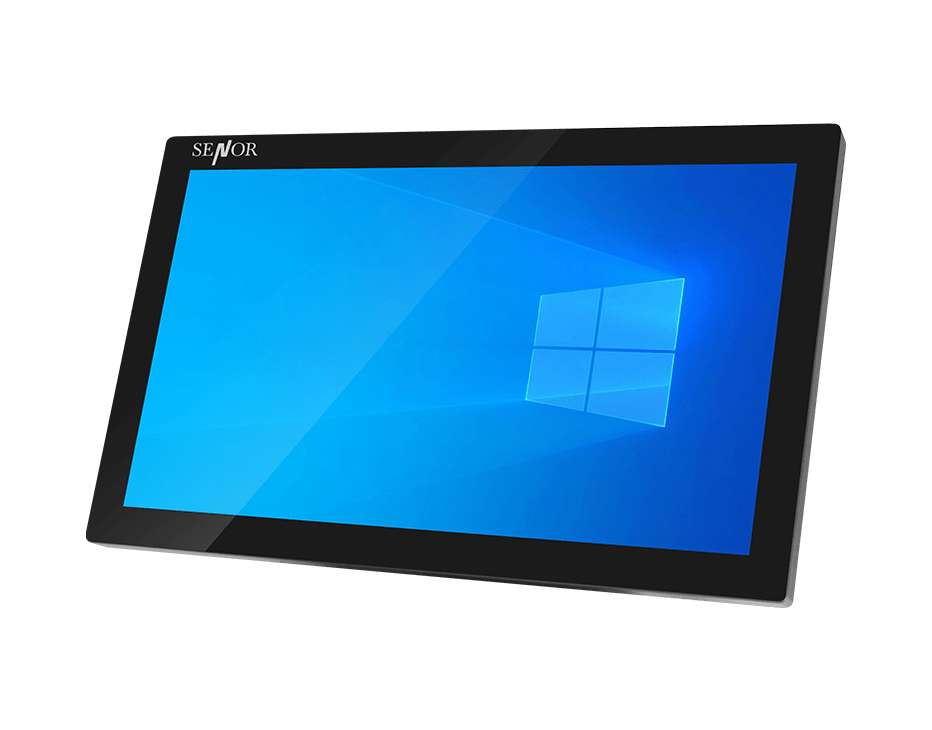
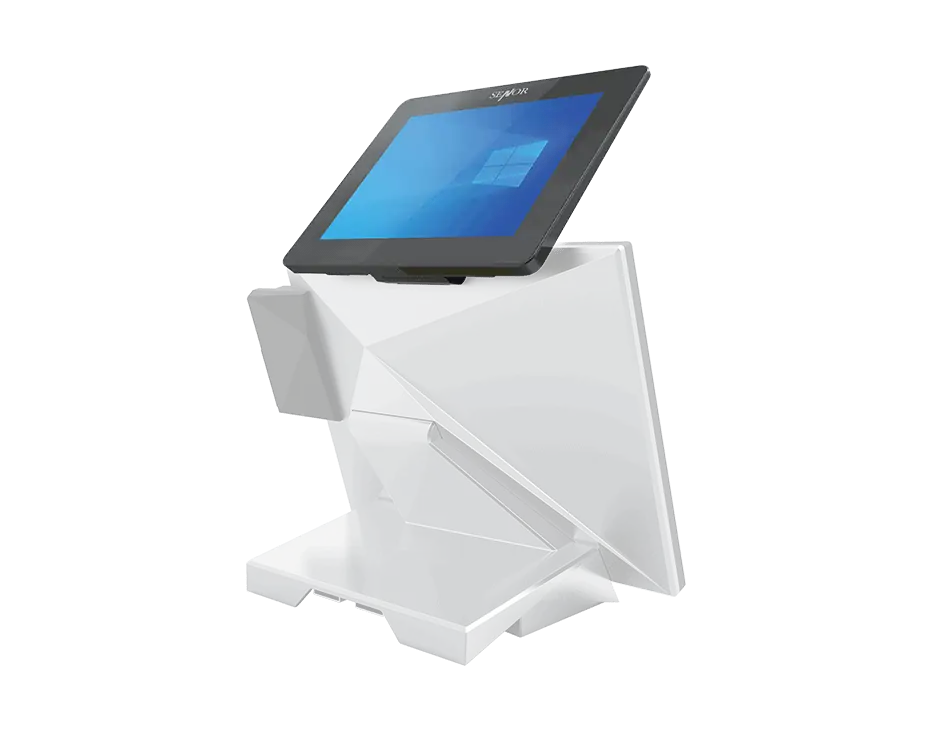
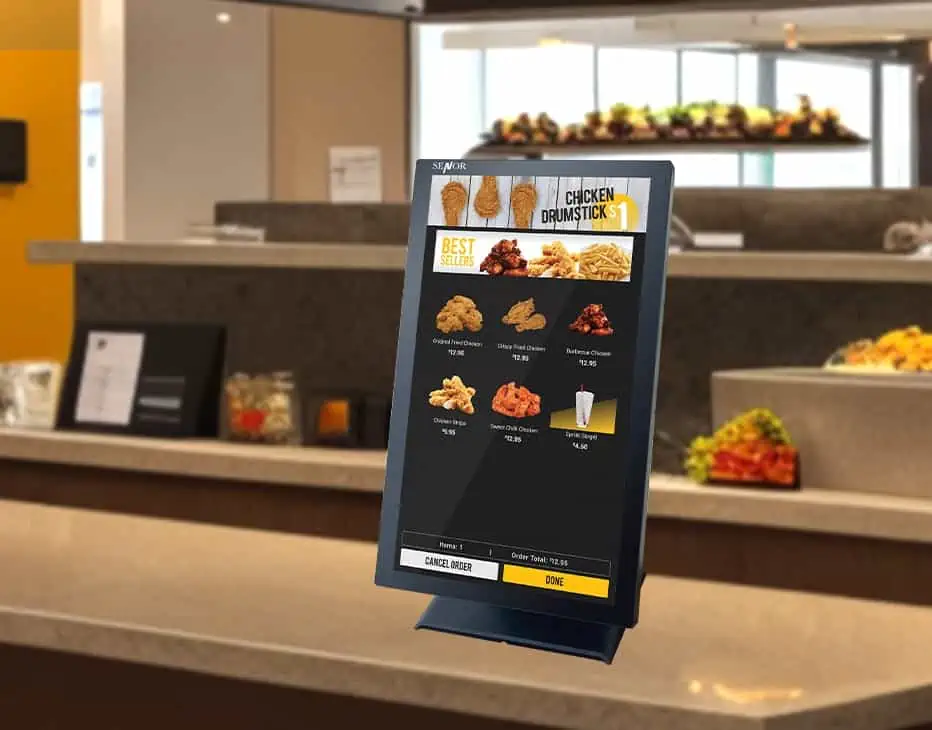
Add an interactive screen to commercial workflows with touch monitors from SENOR Australia. The category includes compact and large touch displays, customer-facing screens and kiosk monitor formats for POS, information and service applications. Compare screen size and intended use to choose a display for counter, customer or kiosk interaction.
How do I choose the right touch screen monitor or touch screen PC for my business? +
Choose a touch-screen monitor or touch-screen PC by comparing screen size, operating system, processing and memory requirements, I/O ports, integrated peripherals, mounting format and the business environment. The choice between a desktop, pole-mounted or wall-mounted configuration should follow the workflow and installation requirements.
What screen sizes are available for SENOR touch screen products? +
SENOR’s business response identifies all-in-one touch-screen systems from 10 to 24 inches, including 10, 15, 15.6, 17, 18, 21 and 24-inch options. It also identifies tablet PC sizes from 5 to 12 inches. Confirm current availability and the exact model-to-size mapping before publication.
What is the difference between a touch screen monitor and an industrial touch panel PC? +
A touch-screen monitor is a display and may require a separate computer. An industrial touch panel PC combines the display and computer in one unit. Industrial PCs may also use components and construction intended for more demanding operating conditions than standard consumer equipment, but the relevant temperature, dust, water and component-life specifications must be confirmed for each model.
What mounting options are available for SENOR touch screen products? +
Many SENOR POS and touch-screen products can be VESA mounted when supplied in panel-PC format without the desktop base. The business response identifies 75 × 75 VESA mounting for selected 15-inch and 15.6-inch units, and 100 × 100 for selected 18-inch and 21-inch units. Confirm the mounting pattern for the exact model before installation.
Which specifications should I compare when selecting a touch screen product? +
Compare screen size, resolution, touch technology, processor, memory, operating system, ports, mounting options and environmental specifications. The right balance depends on the workflow, software, peripherals and installation environment.