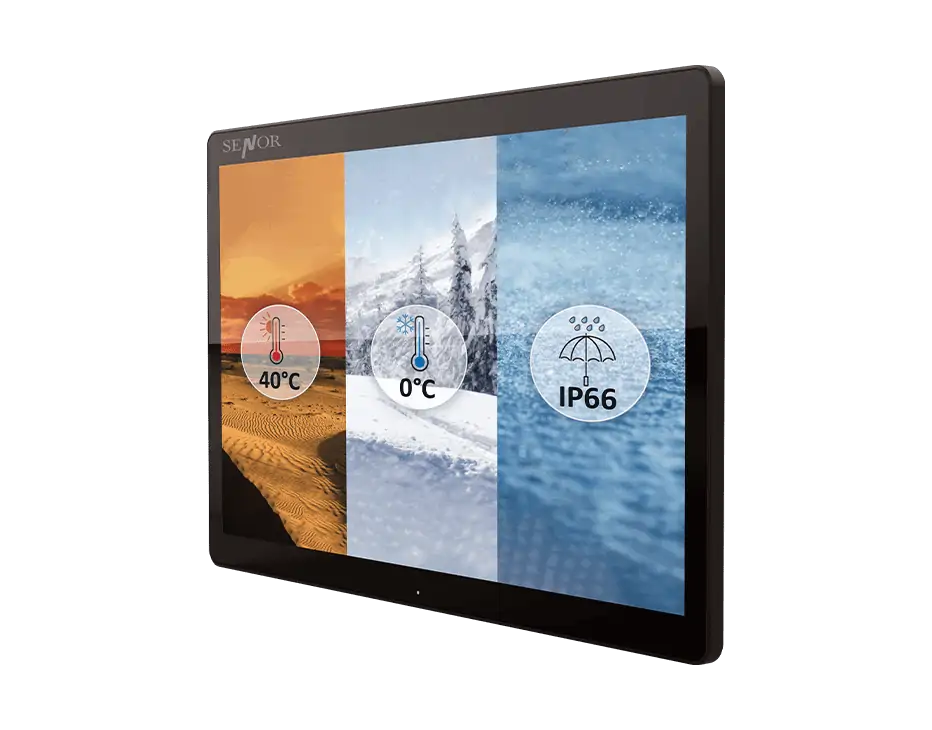
Choose a Kitchen Display System that keeps order information visible at the right preparation or service station. SENOR offers 15-inch, 17-inch and 21-inch KDS formats for restaurants and other commercial food-service workflows.
The right screen depends on viewing distance, kitchen layout, order volume, number of stations, mounting space and the software used to manage orders. Compare the available formats below, then contact SENOR if you need help reviewing the hardware requirements for your workflow.
Commercial kitchens can involve heat, humidity, steam, grease, cleaning and frequent daily use. Before selecting a KDS, confirm the required environmental protection, cable arrangement, mounting method and service access for the intended location.
Before ordering, confirm the restaurant POS or kitchen-management software, operating system, connection method, network access, power arrangement and number of kitchen stations. SENOR can review these details before confirming a suitable hardware configuration.
A Kitchen Display System displays and organises kitchen orders so staff can manage preparation and fulfilment. Compared with a traditional kitchen printer, a KDS can group orders, use colours and different font sizes, prioritise orders, and provide reminders or countdowns. It can also reduce the need for paper and ribbons.
Choose a Kitchen Display System screen size based on viewing distance, mounting options, kitchen layout, order volume, staff workflow and the number of kitchen stations. The selected size should allow staff to read and manage orders without obstructing the work area.
SENOR Kitchen Display Systems are designed for demanding kitchen environments. The business response identifies IP66 protection, protection for cables, an internal power supply in the 21-inch model and a surface coating as relevant features. Confirm the exact model specifications and approved wording for steam, oil, grease, food-safety and coating claims.
SENOR Kitchen Display Systems can support restaurant software running on supported Windows 10, Windows 11 and Android configurations, subject to the selected model and software requirements. Confirm compatibility with the restaurant POS or kitchen-management software before deployment.
A Kitchen Display System can support multiple kitchen stations when the software, network design, screen configuration and order-routing requirements are suitable. Before deployment, confirm the number of stations, routing rules, network connection, POS or kitchen-management software and any required peripherals.